
Light from day one.
Data is money. Every megabyte LekeeLekee does not use is airtime you keep. Keeping the app light has been part of the promise since we launched, and we keep finding ways to take more out. This page is the running list: what has been done, what is being built next, and what we measured along the way.
The checklist
One open of your feed, pictures only, and how it keeps coming down
Data Saver Mode, live on AndroidLive
A switch in Settings on Android. It waits for you to tap play instead of autoplaying videos, limits video quality to around 360p, holds back background transfers, compresses your photos before uploading and sends your videos at around 360p unless you choose "Always send original quality", and shows what you saved in plain words: "Saved ~X MB this week." It applies on mobile data only. Wi-Fi is never restricted. iOS follows.
Pictures in the feed and in chats are stored as WebPLive
Photos have always been compressed on upload. This week we went further: every photo from the apps, the website or desktop is now converted to a modern format at 1280 pixels. Same look, a fraction of the bytes. Measured on 80 real posts: 453 KB down to 77 KB on average.
Profile photos are a tenth of the sizeLive
Profile photos were already resized on upload, to 800 pixels. They are now 512 pixels in the same modern format, and the whole archive has been converted, not just new uploads. Measured: 430 KB down to 27 KB.
Every feed request is compressedLive
The text the app pulls when you open a feed or a chat list is compressed before it leaves our servers, and this month that was extended to every response. A typical conversation list goes from 570 KB to 118 KB in transit.
Video starts small and steps upLive
Since launch every video has been stored at four sizes from 240p to 1080p. Playback starts at the lightest and only steps up if your connection has room, so a weak signal never pulls a big file.
Nothing is downloaded twiceLive
Pictures and profile photos are told to stay on your phone for a year, so scrolling back through a chat or a profile costs nothing the second time. This has been the case from the start; this week it was extended to every picture.
Tiny profile photos in listsIn progress
A 96 pixel version of every profile photo already exists on our side, about 2 KB. The next app release uses it in feeds, chat lists and notifications instead of the full photo.
No video preloading on mobile dataIn progress
Today the feed fetches the start of videos before you tap them. On mobile data it will fetch the poster picture only and start the stream when you press play or the post fills the screen.
A lighter conversation listIn progress
The chat list will carry only the last message and the counts, in pages, instead of the full history for every conversation on every open.
Fewer background requestsNext
Presence and heartbeat updates will travel over the connection the app already keeps open instead of separate requests every few seconds.
A live data meter on every callNext
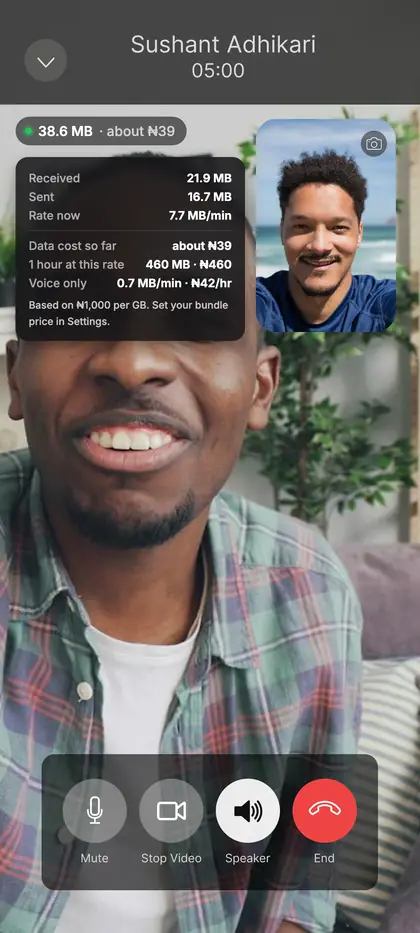
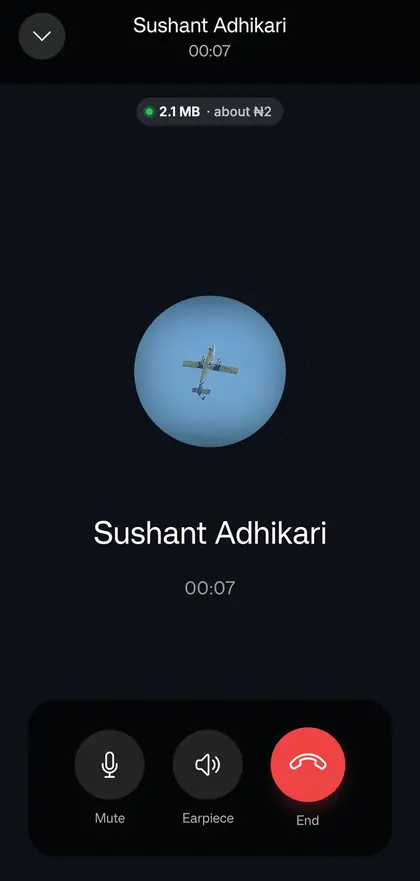
Voice and video calls will show how much data the call has used, how fast it is using it and roughly what that costs on your bundle, with the full breakdown a tap away. Video uses about ten times the data of voice, so the meter also shows what switching your camera off would save.
Audio only mode for liveNext
Listen to a live event without the video when the signal is poor or the bundle is small.
How we compare
| App | Typical data per hour | Less is better |
|---|---|---|
| LekeeLekee with Data Saver (target) | under 15 MB | |
| LekeeLekee feed today | about 30 MB | |
| X | 60 to 100 MB | |
| 80 to 160 MB | ||
| YouTube at 360p | about 300 MB | |
| Instagram (with Reels) | 300 to 700 MB | |
| TikTok | about 840 MB |
Other apps: independent estimates published by mobile operators and technology reviewers for scrolling a mixed feed; video heavy use can be several times higher. LekeeLekee: one open of the feed measured at about 2 MB on 19 September 2026 with the picture changes live, and an hour taken as fifteen pages of posts without video. Data Saver Mode now reports each person their own weekly saving inside the app on Android; the target below stays a target until we can publish a figure measured across everyone rather than one phone. We will update this table if anyone shows us better numbers.
See what every call uses, as it happens
We are building a live data meter into voice and video calls. It shows how much data the call has used, how fast it is using it, and roughly what that costs on your bundle. Tap it for the full breakdown: received, sent, an hour at the current rate, and what voice only would use instead.
Video uses about ten times the data of voice. Switch your camera off and the meter shows the difference straight away.
This is a concept, shown for illustration purposes. The screens, data and costs are examples, not real figures, and the meter is not in the app yet. Costs will use the bundle price you set, shown here at ₦1,000 per GB.
Built for where our members are, from the start
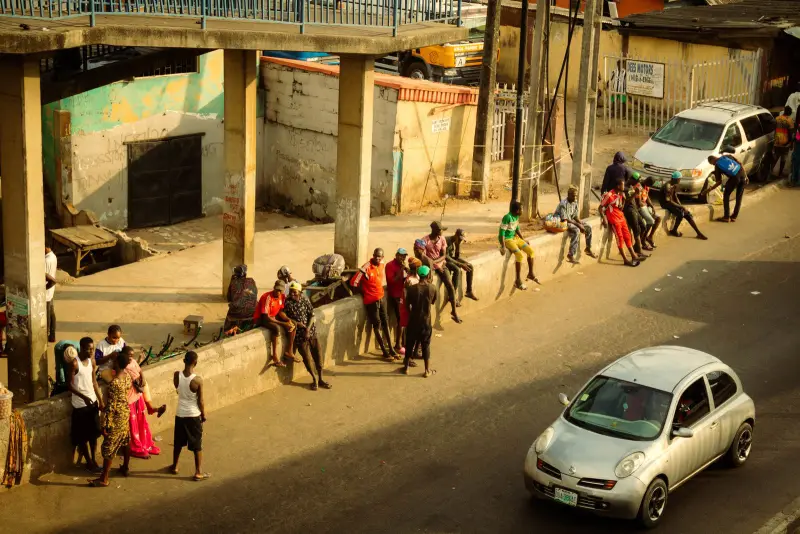
Most of LekeeLekee is used in Nigeria on mobile data, where a gigabyte is money. That is who we build for first. If the app is light in Lagos traffic on a 3G signal, it is light everywhere.
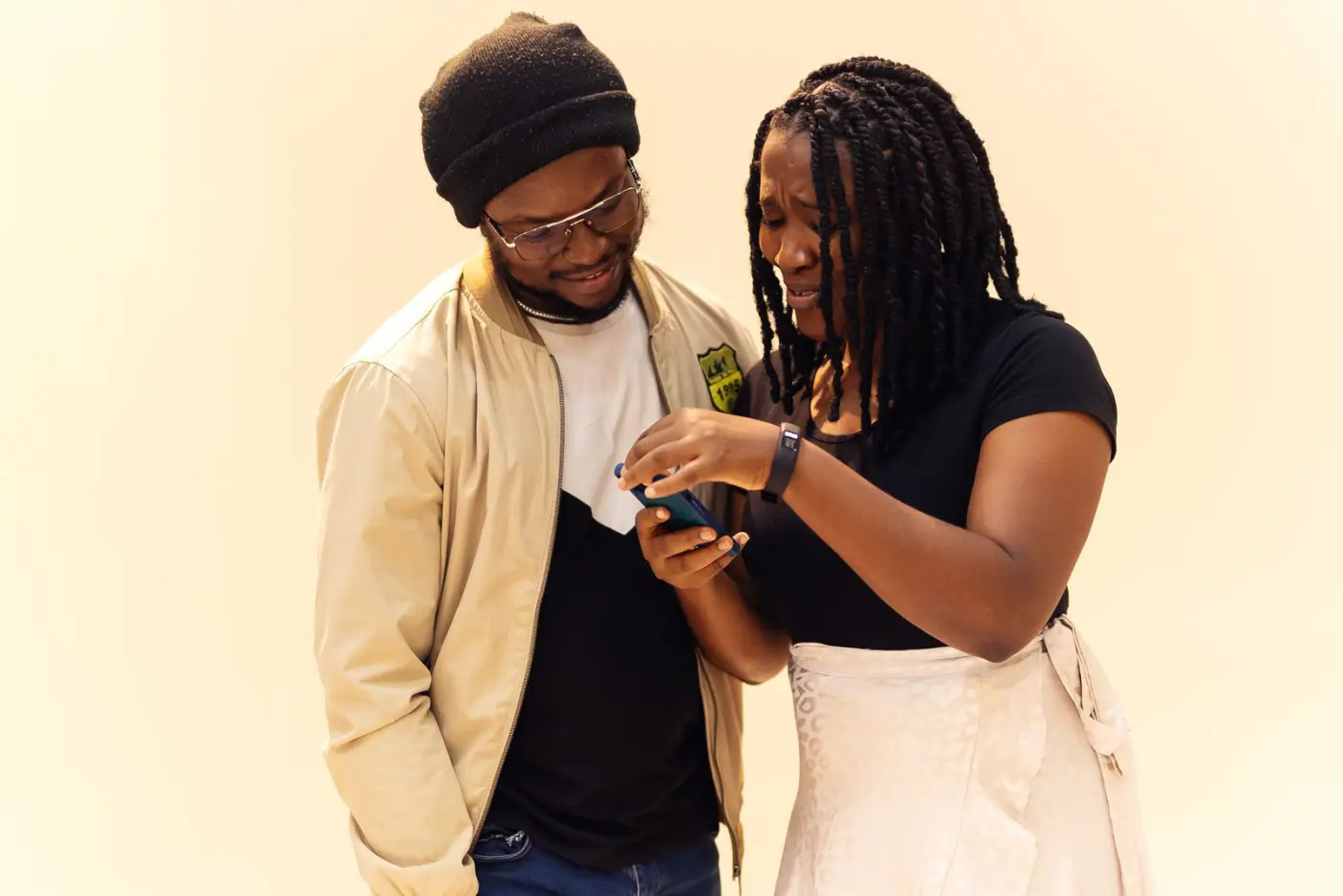
Photos by Ninthgrid and Ademola Adeola via Pexels. This whole page, pictures included, is under 300 KB.