Post by Ndubuisi Raphael Agua (@nura23tech)
Good day tribe.
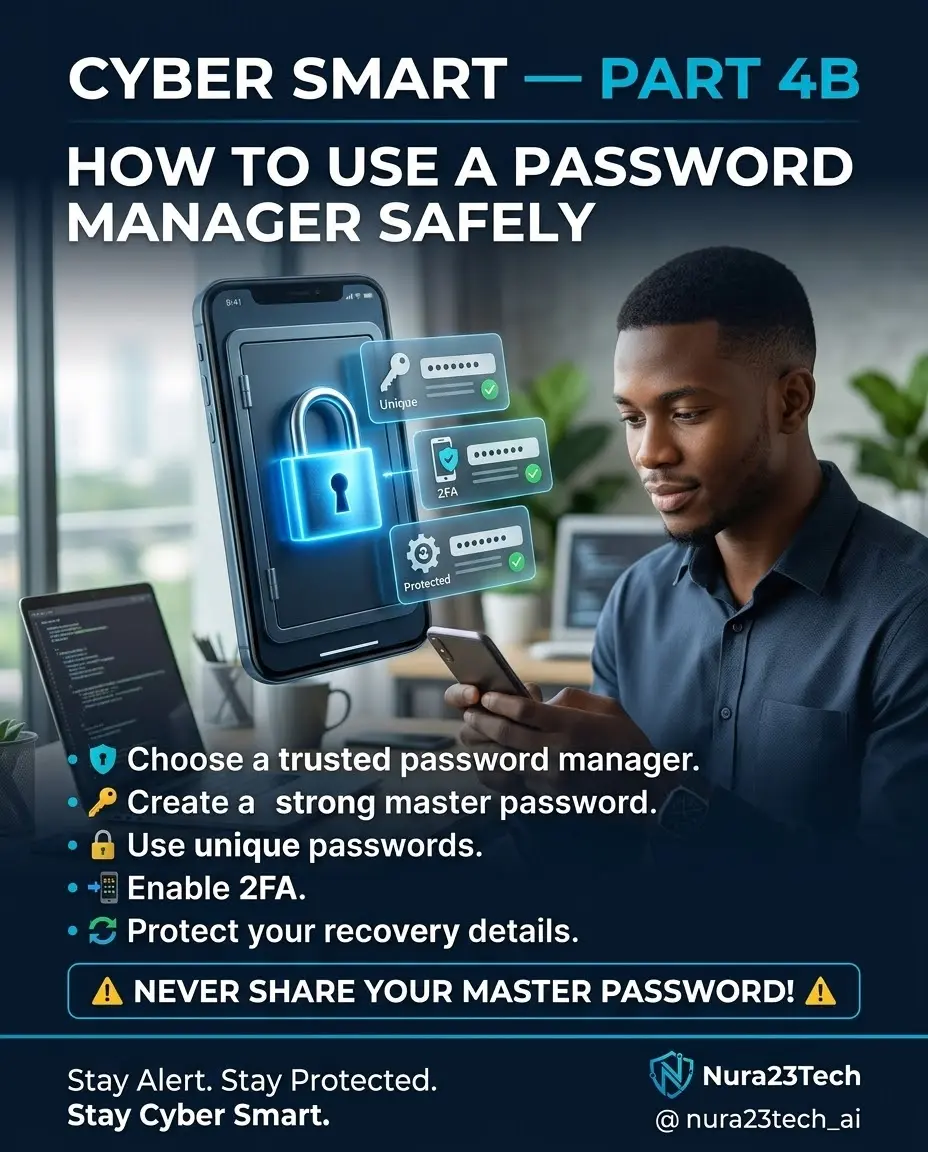
🔐 CYBER SMART — PART 4B
HOW TO USE A PASSWORD MANAGER SAFELY
Yesterday, we introduced password managers. Today, let's learn how to use one safely.
🛡️ 5 IMPORTANT STEPS:
1️⃣ Choose a reputable password manager. Your phone or browser may already have one.
2️⃣ Create a strong, unique master password to protect your password vault.
3️⃣ Use it to generate different passwords for your online accounts.
4️⃣ Enable Two-Factor Authentication (2FA) on your password manager, if available.
5️⃣ Keep your recovery details safe. Never share your master password.
⚠️ REMEMBER: Your password manager is only as secure as the way you protect access to it.
🎯 TODAY'S CHALLENGE:
Check your phone or browser. Does it have a password manager? Find out how it works!
👇 COMMUNITY QUESTION: Are you already using a password manager, or do you still manage your passwords manually?
Let's learn together!
🛡️ Stay Alert. Stay Protected. Stay Cyber Smart.
Follow @nura23tech_ai for more practical digital safety tips.
#CyberSmart
#PasswordManager
#DigitalSecurity
#OnlineSafety
#Nura23Tech
0 likes · 0 comments · 0 shares