Post by Oluwaseyi Adedeji (@The_EUD_GUY)
LAPTOP SLOW? DON’T BUY A NEW ONE YET! 👀💻
Your laptop may not be “old” — it might just need a little cleanup.
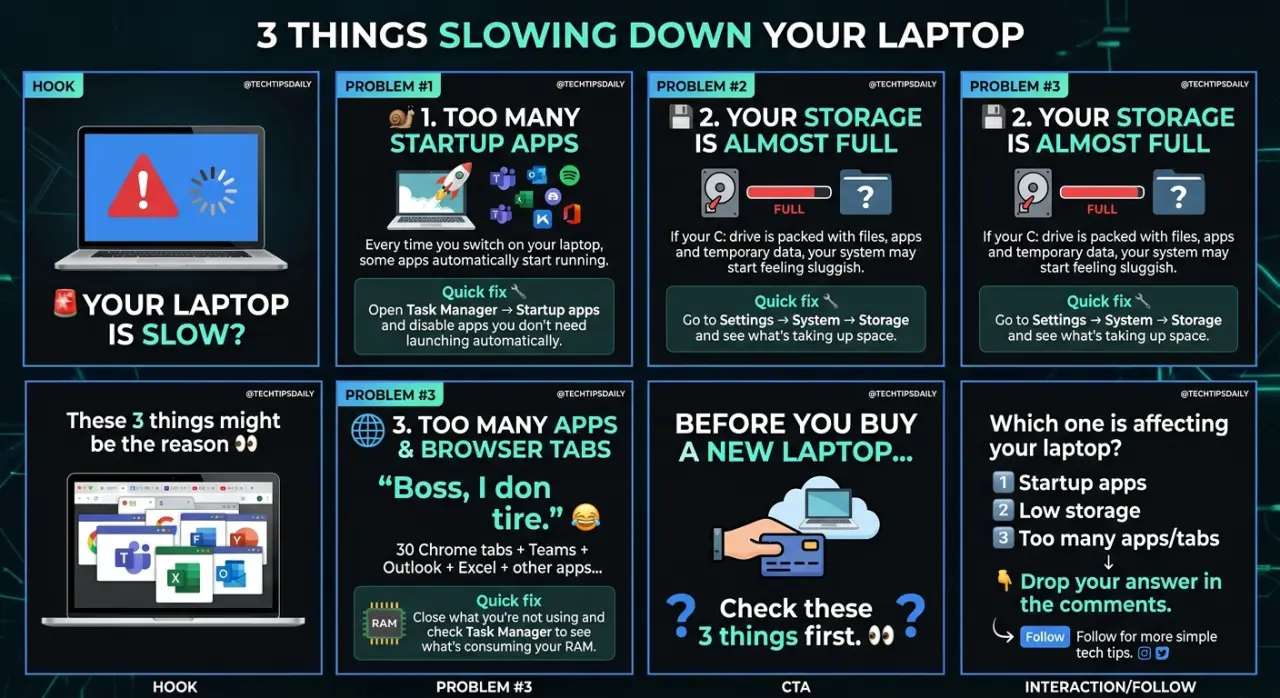
Here are 3 things you should check first:
1️⃣ CHECK YOUR STARTUP APPS
Too many apps launching when Windows starts can make your laptop take forever to boot.
👉 Press Ctrl + Shift + Esc
👉 Click Startup apps
👉 Disable apps you don't need starting automatically.
2️⃣ CHECK YOUR STORAGE
A nearly-full drive can affect your system performance.
👉 Go to Settings
👉 System → Storage
👉 Check what's taking up space
👉 Remove unnecessary files/apps.
3️⃣ CHECK WHAT'S USING YOUR RAM
Running too many apps and browser tabs can eat up your RAM.
👉 Press Ctrl + Shift + Esc
👉 Open Processes
👉 Check Memory
👉 Close apps you aren't currently using.
💡 BONUS TIP:
Restart your laptop regularly. Sometimes, your laptop just needs a fresh start. 😂
🚨 BEFORE YOU SPEND MONEY ON A NEW LAPTOP, TRY THESE FIRST!
Which one did you discover on your laptop? 👇
Follow for more simple IT & tech tips. 💻🔥
#TechTips #LaptopTips #WindowsTips #ITSupport #ComputerTips #TechNigeria #LearnTech
0 likes · 0 comments · 0 shares
Comments
reach out to me, i dey for you
#Active