Post by LekeeNews (@LekeeNews)
🚨 Step-by-Step Guide On How to Create a Creator Page 👇
1. Open the app and go to the sidebar menu.
2. Select “Pages” or “Create Page”.
3. Choose Creator or Business.
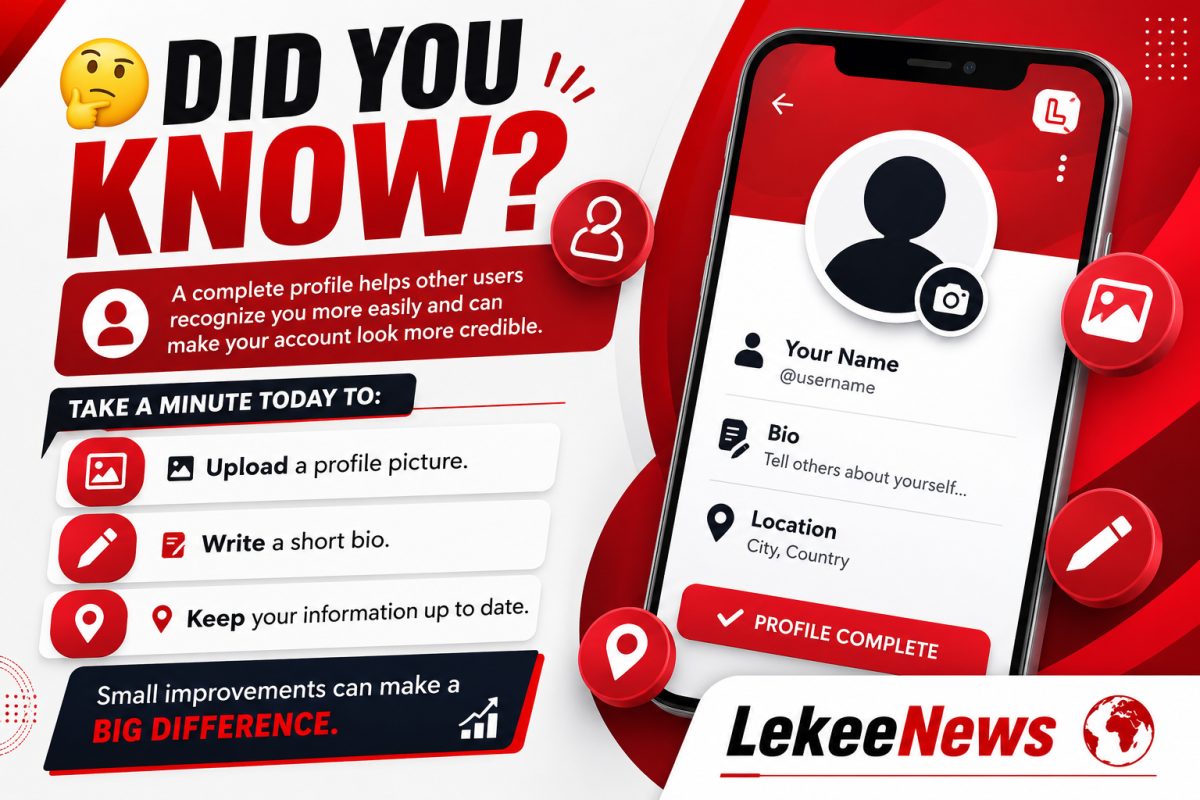
4. Add name, bio, category, and profile photo.
5. Save and switch between your personal account and the page anytime.
#CreatorPage #LekeeNews #CreatorGuides #HowTo #StepByStep
0 likes · 0 comments · 0 shares
Comments
FredMan 💠🌹 💠: Nice 🙋